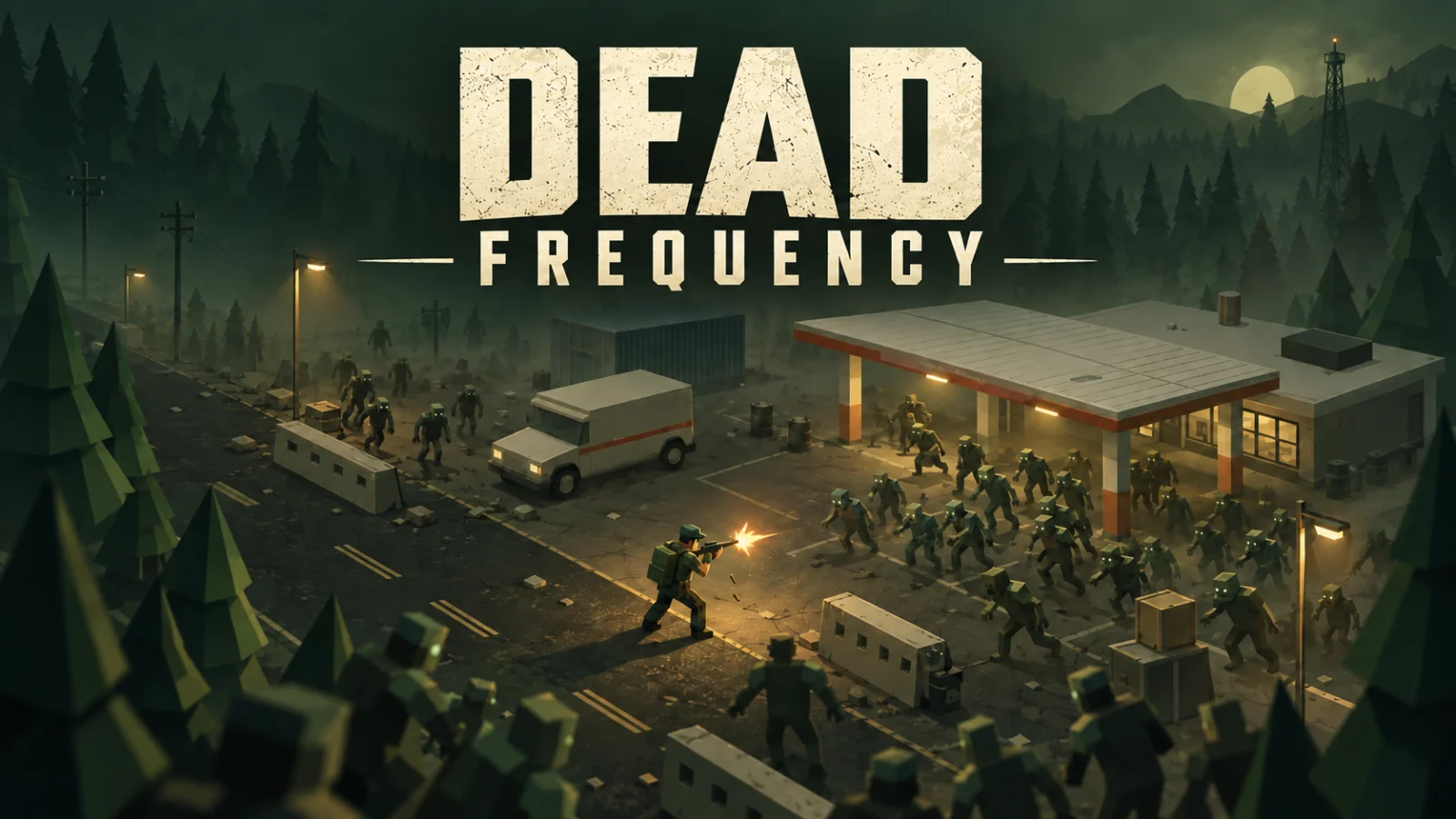
Dead Frequency
Ready to playScavenge, upgrade, and outlast endless zombie waves at an abandoned gas station.
A little about the game
The world went quiet. The dead didn’t.
Dead Frequency is a single-player, isometric 3D zombie survival shooter set at an abandoned gas station in Black Pine County. Keep moving, scavenge weapons and supplies, and fight through increasingly
dangerous waves of the undead.
Make every reload count. Dodge through danger, clear crowds with grenades, and choose an upgrade between waves to push your run further. Five distinct weapons give you different ways to face shamblers,
runners, acid spitters, and hulking brutes—with a Brute Alpha arriving every fifth wave.
Chain kills to build your score multiplier, beat your personal best, and test yourself on Standard or Veteran difficulty.
No signal. No rescue. Just one more wave.
Play in your desktop browser with a keyboard and mouse.
How to play
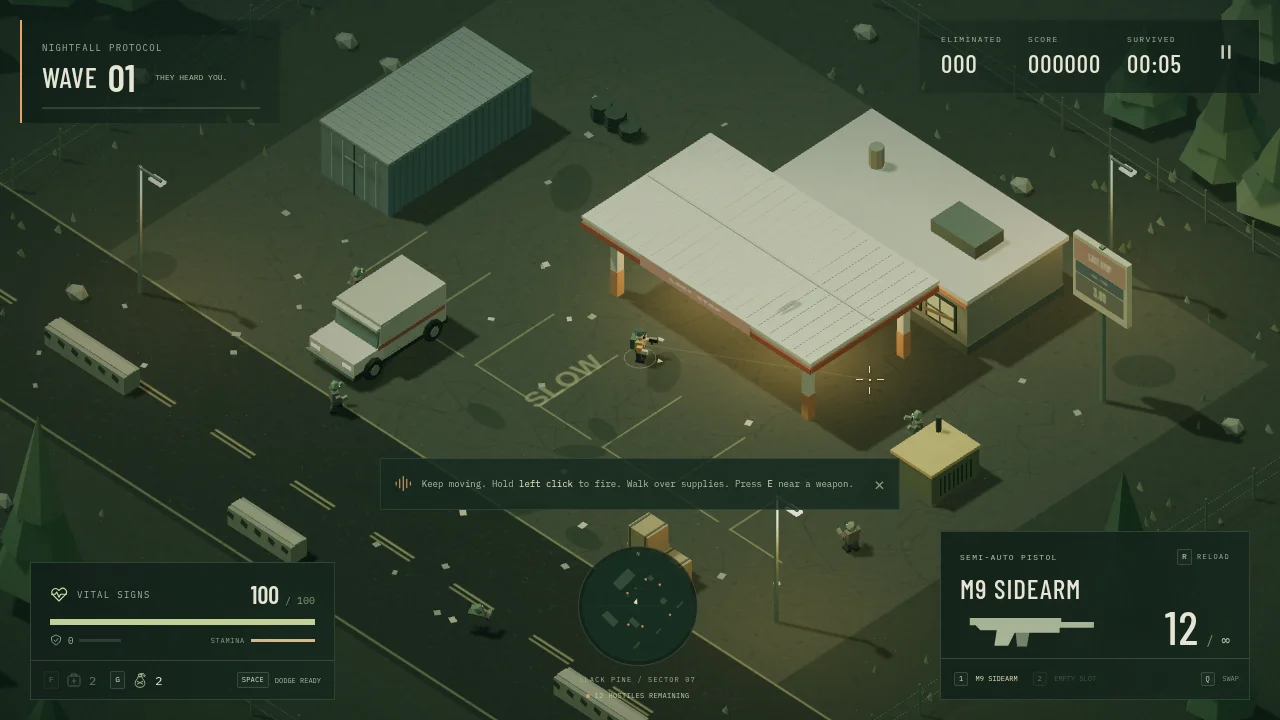
Dead Frequency gives you movement and aim on separate controls: you can retreat from a crowd while still firing into it. The gas-station setting has obstacles to move around, so watching your escape route is part of every reload.
Your first game
- Enter on Standard.
Choose Standard and enter the dead zone. Check the health, ammunition and wave indicators before heading out from the starting position.
- Keep space around your survivor.
Move with the keyboard and aim with the mouse. Fire at approaching enemies, reload while you have room and use a dodge when a path is closing. E picks up nearby supplies.
- Prepare for the next wave.
Choose an upgrade between waves and watch for new weapons and supplies. Waves get harder, with a Brute Alpha on every fifth wave; the run is about surviving longer rather than reaching a final level.
Controls
- W / A / S / D or arrows
- Move.
- Mouse / left click
- Aim / fire.
- Shift / Space
- Sprint / dodge.
- R / E
- Reload / pick up supplies.
- 1 / 2 / Q or wheel
- Select or switch weapons.
- F / G / Esc
- Use a medkit / throw a grenade / pause.
A useful starting pointAvoid backing into the same obstacle while aiming at enemies. Move toward an open lane before reloading so you have somewhere to dodge if the crowd catches up.
Before you play
Starting a run, moving, shooting and reloading checked in desktop Chrome. Designed for a keyboard and mouse. These notes cover the opening wave, not a completed long survival run.



From the community (0)
Be the first to start the conversation.