Breach
Ready to playA tactical browser FPS with bots that keep you guessing.
A little about the game
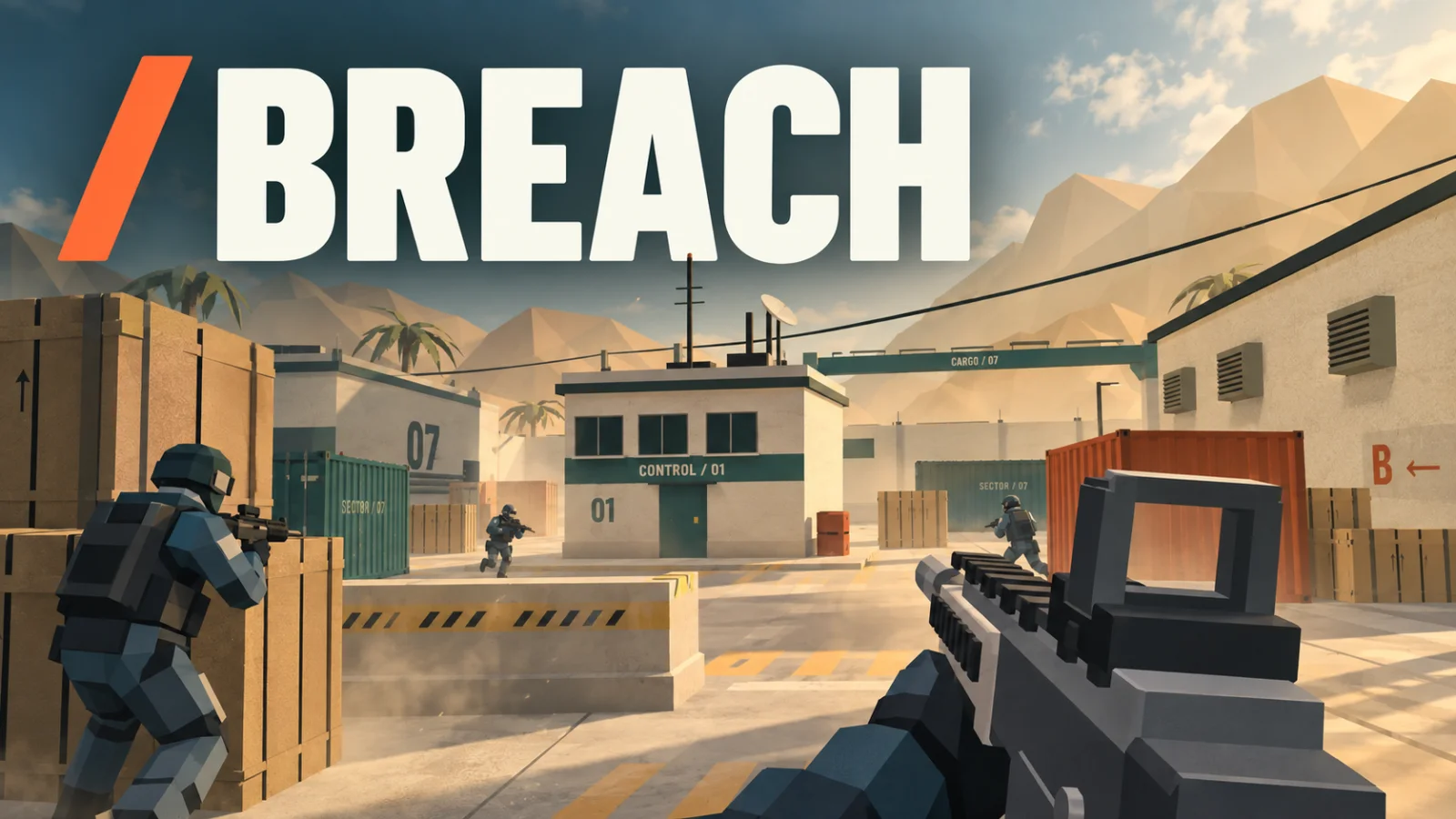
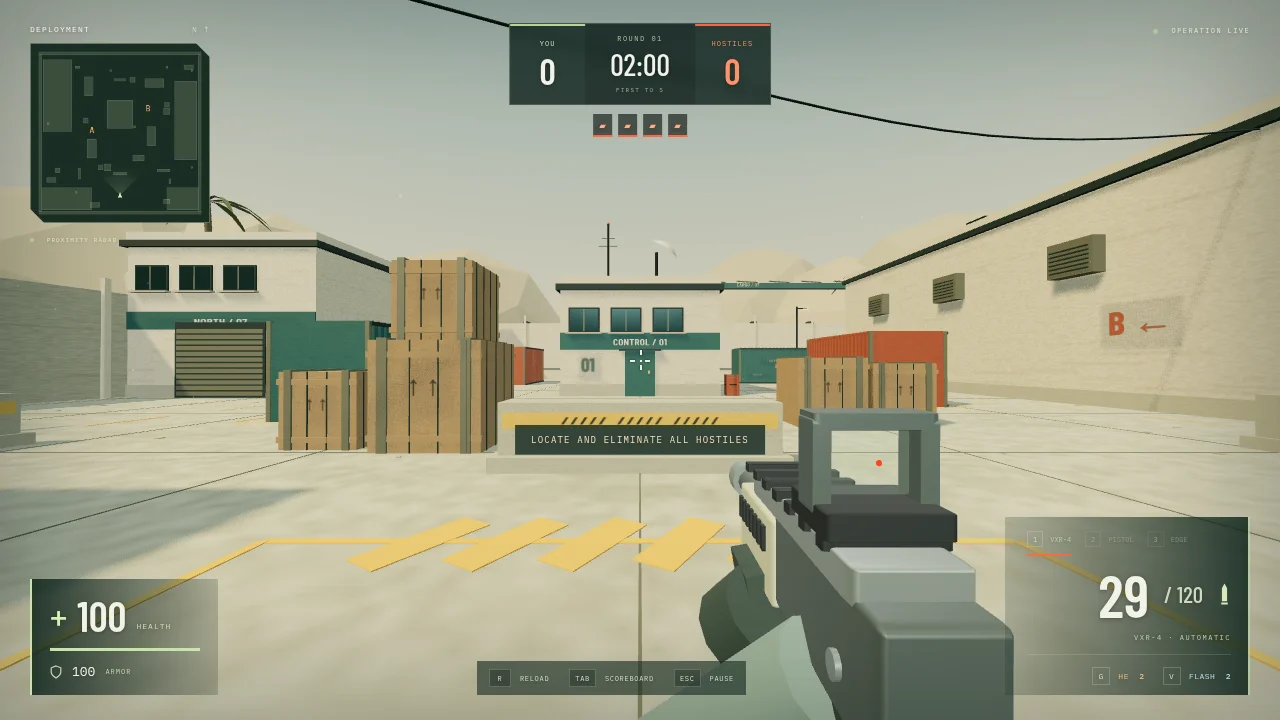
BREACH is a tactical 3D shooter built with Three.js that runs directly in your browser. Deploy solo or bring up to four AI squadmates into two atmospheric battlegrounds: Outpost Zero and Dock Nine.
Face up to six enemy bots across four difficulty levels. Randomized spawns, changing attack routes, and staggered advances keep you watching every corner. Switch between a rifle, pistol, and knife, and
use explosive grenades and flashbangs to control the fight.
Win five rounds to secure the sector. If you fall, your squad fights on.
Made for desktop play with a keyboard and mouse.
How to play
Breach is a round-based shooter where the menu can change the pace of your first match. You can enter alone or bring AI squadmates, and choose the number and difficulty of the opposing bots before deploying.
Your first game
- Set up an operation.
Pick Outpost Zero or Dock Nine. Recruit is the starting difficulty to try while learning the layout. Choose your squad and starting weapon, then press Start operation.
- Move, aim and reload.
The game captures your mouse for looking around. Use cover while approaching a lane, aim with the right mouse button and keep an eye on the ammo counter. Press Esc to release the cursor.
- Win the round, then repeat.
Eliminate the opposing team; the first team to five round wins takes the match. If you go down with squadmates still alive, they continue fighting and you can switch spectator views.
Controls
- W / A / S / D + mouse
- Move and look around.
- Left / right click
- Fire / aim down sights.
- R / 1 / 2 / 3
- Reload / choose a weapon.
- Shift / C or Ctrl / Space
- Sprint / crouch / jump.
- G / V
- Throw an explosive grenade / flashbang.
- Esc / Tab
- Pause and release the cursor / view the scoreboard.
A useful starting pointReload before stepping back into a long sightline. Grenades and flashbangs are limited each round, and your own explosives can hurt you, so give yourself space before throwing one.
Before you play
Movement, firing and reloading checked in desktop Chrome. A keyboard and mouse are required. Start the operation to capture the pointer; Esc returns control to the browser.
What’s new
Version 1.0.1
multiplayer mode
From the community (0)
Be the first to start the conversation.